Chapter 10 Potentiometer & LED
We have learned how to use ADC and DAC before. When using DAC output analog to drive LED, we found that, when the output voltage is less than led turn-on voltage, the LED does not light; when the output analog voltage is greater than the LED voltage, the LED lights. This leads to a certain degree of waste of resources. Therefore, in the control of LED brightness, we should choose a more reasonable way of PWM control. In this chapter, we learn to control the brightness of LED through a potentiometer.
Project 10.1 Soft Light
In this project, we will make a soft light. We will use an ADC Module to read ADC values of a potentiometer and map it to duty cycle of the PWM used to control the brightness of a LED. Then you can change the brightness of a LED by adjusting the potentiometer.
Component List
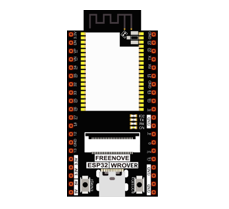
ESP32-WROVER x1
|
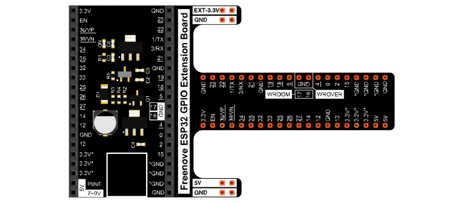
GPIO Extension Board x1
|
||
Breadboard x1
|
|||
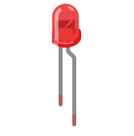
LED x1
|
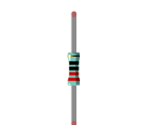
Resistor 220Ω x1
|
Jumper M/M x5
|
Rotary potentiometer x1
|

Circuit
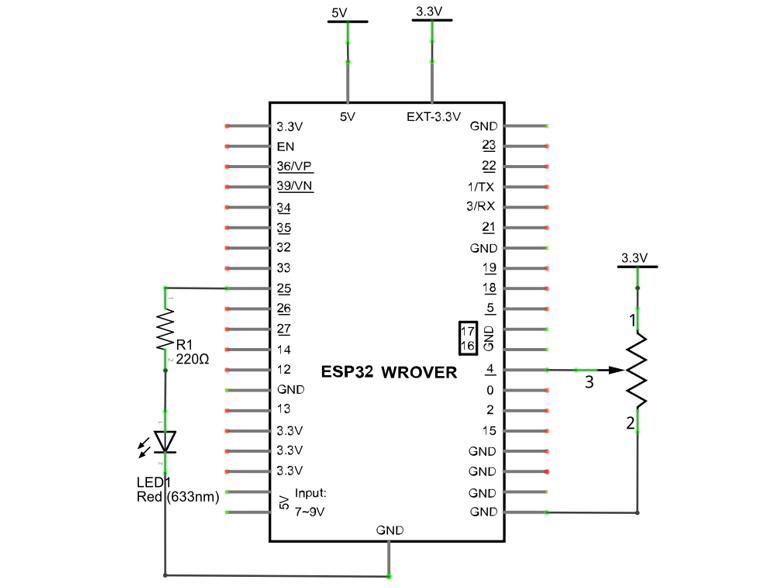
Schematic diagram |
|---|
|
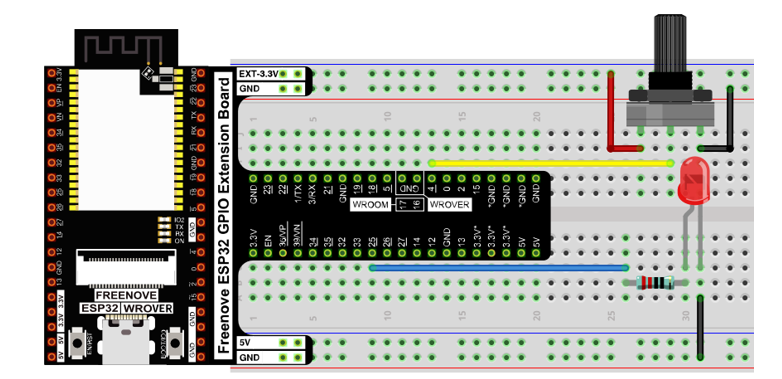
Hardware connection |
If you need any support, please contact us via: support@freenove.com
|
Code
Move the program folder “Freenove_Super_Starter_Kit_for_ESP32/Python/Python_Codes” to disk(D) in advance with the path of “D:/Micropython_Codes”.
Open “Thonny”, click “This computer” -> “D:” -> “Micropython_Codes” -> “10.1_Soft_LED” and double click “Soft_LED.py”.
10.1_Soft_LED
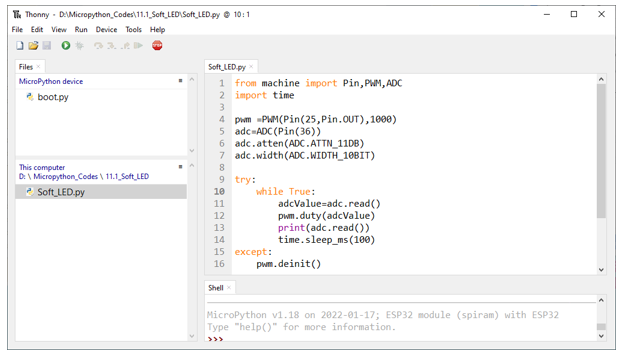
Click “Run current script”. Rotate the handle of potentiometer and the brightness of LED will change correspondingly.
The following is the code:
 1from machine import Pin,PWM,ADC
 2import time
 3
 4pwm =PWM(Pin(25,Pin.OUT),1000)
 5adc=ADC(Pin(36))
 6adc.atten(ADC.ATTN_11DB)
 7adc.width(ADC.WIDTH_10BIT)
 8
 9try:
10    while True:
11        adcValue=adc.read()
12        pwm.duty(adcValue)
13        print(adc.read())
14        time.sleep_ms(100)
15except:
16    pwm.deinit()
In the code, read the ADC value of potentiometer and map it to the duty cycle of PWM to control LED brightness.