Chapter 03 EEPROM
Project 03.1 EEPROM
Component List
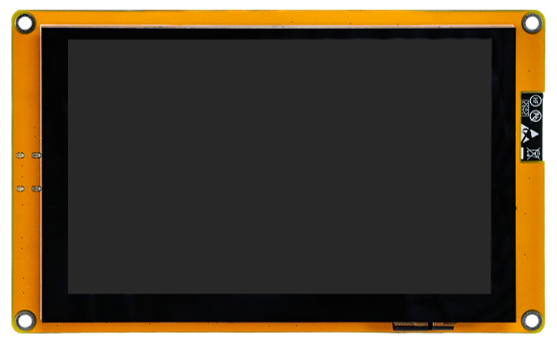
Freenove ESP32-S3 Display x 1
|
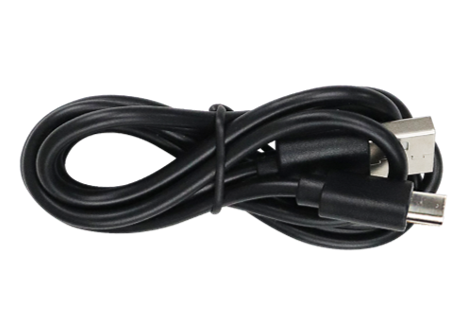
USB cable x1
|
Circuit
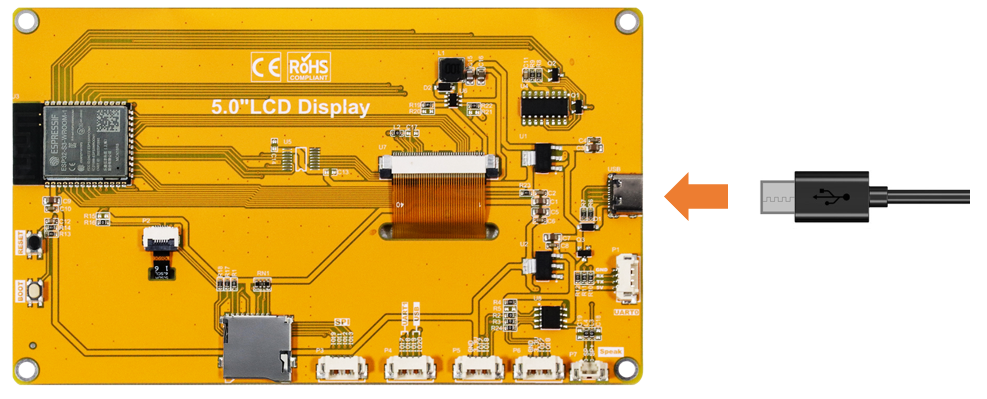
Connect Freenove ESP32-S3 Display to the computer with USB cable.
Sketch
Next, we download the code to Freenove ESP32-S3 Display to test Serial. Open “Sketch_03.1_EEPROM.ino” folder under “Freenove_ESP32_S3_Display_FNK0115\Sketches” and double-click “Sketch_03.1_EEPROM.ino”.
Sketch_03.1_Battery_Voltage
The following is the program code:
 1/*
 2* @ File:   Sketch_03.1_EEPROM.ino
 3* @ Author: [Eason Shen]
 4* @ Date:   [2026-07-03]
 5*/
 6
 7#include "EEPROM.h"
 8
 9#define EEPROM_SIZE 1
10int addr = 0;
11void setup() {
12  // put your setup code here, to run once:
13  Serial.begin(115200);
14  EEPROM.begin(EEPROM_SIZE);
15  int val = EEPROM.read(addr) + 1;
16  delay(5);
17  EEPROM.write(addr, val);
18  EEPROM.commit();
19  delay(1000);
20  Serial.print("The data in EEPROM(0) is:");
21  Serial.println(EEPROM.read(addr));
22}
23
24void loop() {
25  // put your main code here, to run repeatedly:
26
27}
Code Explanation
Include the header file required for EEPROM.
1#include "EEPROM.h"
Define the EEPROM size as 1 byte.
1#define EEPROM_SIZE 1
Set the baud rate to 115200.
1Serial.begin(115200);
Allocate space for EEPROM.
1EEPROM.begin(EEPROM_SIZE);
Read the value from address 0 of EEPROM.
1int val = EEPROM.read(addr) + 1;
Write data to address 0 and commit the changes.
1EEPROM.write(addr, val);
2EEPROM.commit();
Click “Upload” to upload the code to Freenove ESP32-S3 Display.
This example demonstrates the function of saving data after power loss. Each time the device restarts, the counter will automatically increase by one.
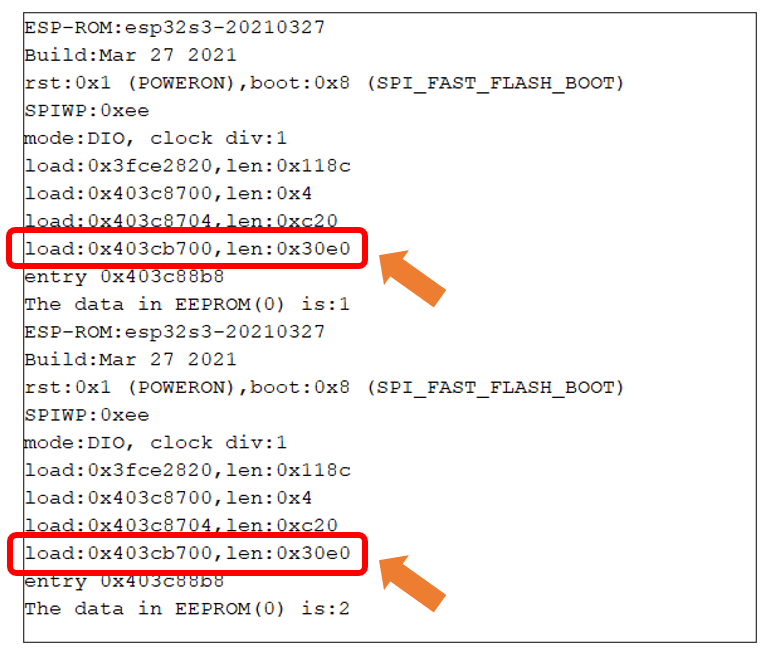
Please note: This chapter does not involve the use of the screen. After the code for this chapter, the screen may not light up, which is normal and not a hardware malfunction. If you need to verify whether the screen is functioning properly, please refer to Chapter 10 for testing.